Piso WiFi One-Click Gateway & Pause Manager
Make sure you are connected to the Piso WiFi network before opening the portal.
10.0.0.1 Piso WiFi Pause Time App & Voucher Portal
You do not need to install any APK from Google Play to pause Piso WiFi time or enter a voucher code. Connect to the Piso WiFi network first, then open your browser portal:
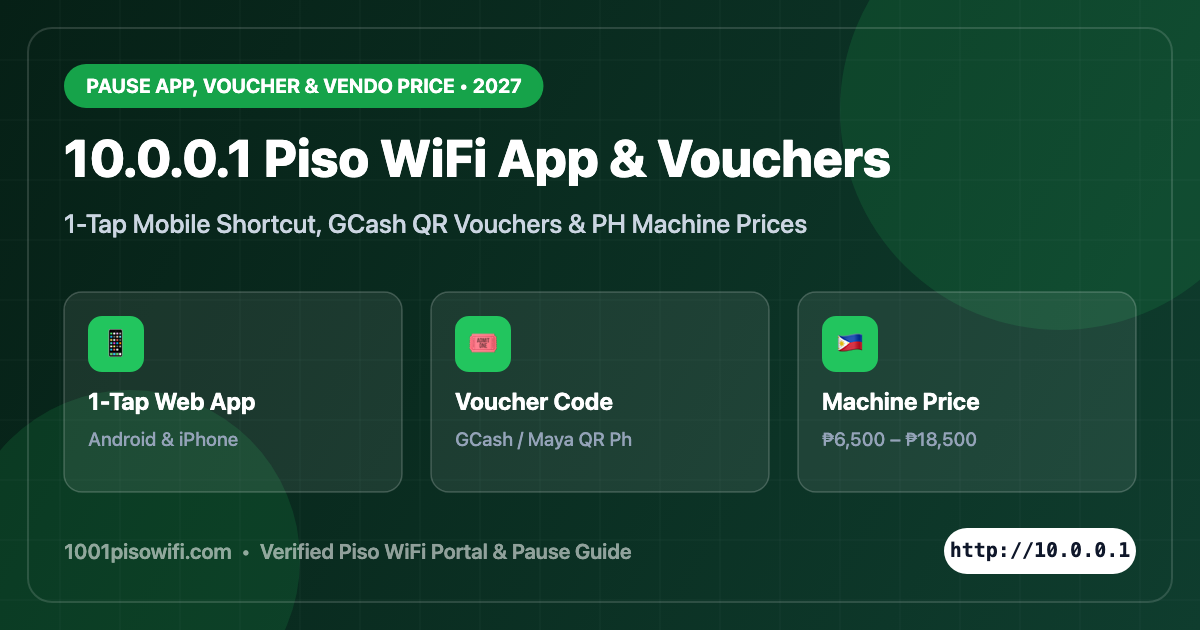
Many users across the Philippines search for the piso wifi 10.0.0.1 pause time app, 10.0.0.1 piso wifi voucher code, and updated 2027 Piso WiFi machine prices. Below is the complete, up-to-date guide covering how to save 10.0.0.1 as a 1-tap app icon on Android and iPhone, how voucher codes work safely, and how much plug-and-play LPB/Ado Piso WiFi machines cost.
1. Piso WiFi 10.0.0.1 Pause Time App (Android & iPhone 1-Tap Shortcut)
First, an important warning: there is no official third-party mobile app on Play Store or App Store that can control every Piso WiFi machine. Every LPB, AdoSoft, and JuanFi vendo machine runs its Pause Time and Insert Coin interface directly inside a local web portal at http://10.0.0.1 (or http://10.10.10.1).
However, you can turn http://10.0.0.1 into a 1-tap Home Screen App on your phone in 10 seconds:
- Connect to your nearby Piso WiFi hotspot and open Chrome (Android) or Safari (iPhone).
- Visit http://10.0.0.1 while Mobile Data is turned off.
- On Android Chrome: Tap the 3 dots (⋮) in the top right → tap Add to Home screen → name it
Piso WiFi 10.0.0.1. - On iPhone Safari: Tap the Share icon at the bottom → select Add to Home Screen → tap Add.
Whenever you need to pause time, insert coins, or check remaining minutes, simply tap the new icon on your Home Screen—just like a native app!
2. 10.0.0.1 Piso WiFi Voucher Code: How to Buy & Redeem Safely
In 2026–2027, many Piso WiFi machines offer both physical coins and voucher code login (great for sari-sari stores, GCash/Maya payments, and indoor roommates who cannot walk up to the coin slot).
- Get a Valid Code: Purchase a printed voucher ticket from the vendo owner, or pay via GCash / Maya QR Ph directly inside the portal to receive an instant voucher code on screen.
- Open the Portal: Visit
http://10.0.0.1orhttp://10.10.10.1. - Enter Your Voucher: Tap the Use Voucher / Enter Code box, type the exact alphanumeric code, and tap Submit / Activate.
Beware of “Free Piso WiFi Voucher Code Generators”: Websites or APKs claiming to generate free 10.0.0.1 vouchers are fake or malware. Valid voucher codes are cryptographically stored inside the local vendo board’s database created by the machine owner.
3. 10.0.0.1 Piso WiFi Pause Time Machine Price Philippines (2027 Guide)
Planning to start or upgrade a Piso WiFi business for 2027? Machine prices in the Philippines vary based on board type (Orange Pi vs Raspberry Pi), outdoor WiFi range (Comfast/TP-Link EAP CPE), and cashless GCash/QR Ph support:
| Machine Package Type | Estimated Price (PH) | Key Specs & Best Use |
|---|---|---|
| DIY Orange Pi / ESP32 Kit (Board + Coin Slot) | ₱3,500 – ₱5,500 | Unassembled parts; best for tech builders with spare box & router |
| Plug & Play Single-Band Indoor Vendo (LPB / Ado) | ₱6,500 – ₱9,500 | Ready-to-earn steel box, multi-coin slot, Pause Time, 30–50m coverage |
| Dual-Band Outdoor Vendo (Comfast EW71/EW73 + LPB/Ado) | ₱10,500 – ₱14,500 | High-range 2.4GHz + 5GHz outdoor antenna for sari-sari stores & streets |
| Pro 2027 Cashless + Sub-Vendo Tower (QR Ph / GCash) | ₱15,000 – ₱18,500 | Bill acceptor or GCash/Maya QR Ph e-payment, 80+ simultaneous users |
Frequently Asked Questions
Is there an APK download for 10.0.0.1 Piso WiFi Pause Time?
No APK is required. Simply open http://10.0.0.1 in Chrome or Safari and use Add to Home Screen for an instant app shortcut.
What if my Piso WiFi Voucher Code says Invalid?
Double-check uppercase/lowercase characters (O vs 0, l vs 1), make sure you are connected to the exact machine that issued the voucher, and confirm it has not already been redeemed.